







Tools Development
We build the tools your team wishes existed, the same way we build our own open-source tools.
Teams lose hours every week to spreadsheets, copy-paste and tools that almost fit.
What clients bring us, and what we do about it.
- Problem
Your team repeats the same manual task every week.
SolutionA focused tool that automates the task end to end.
- Problem
Off-the-shelf software almost fits.
SolutionA tool shaped around your workflow, with only the features you use.
- Problem
Output quality depends on who does the work.
SolutionGenerators and templates that produce consistent results every time.
Proof from products we built and run.
These are our own live products. Each one uses the same skills this service delivers.
Readme Studio
- Challenge
- A README is the front door of a project, and it is usually written last and in a hurry. Missing setup steps and unclear structure cost every future contributor time.
- What we built
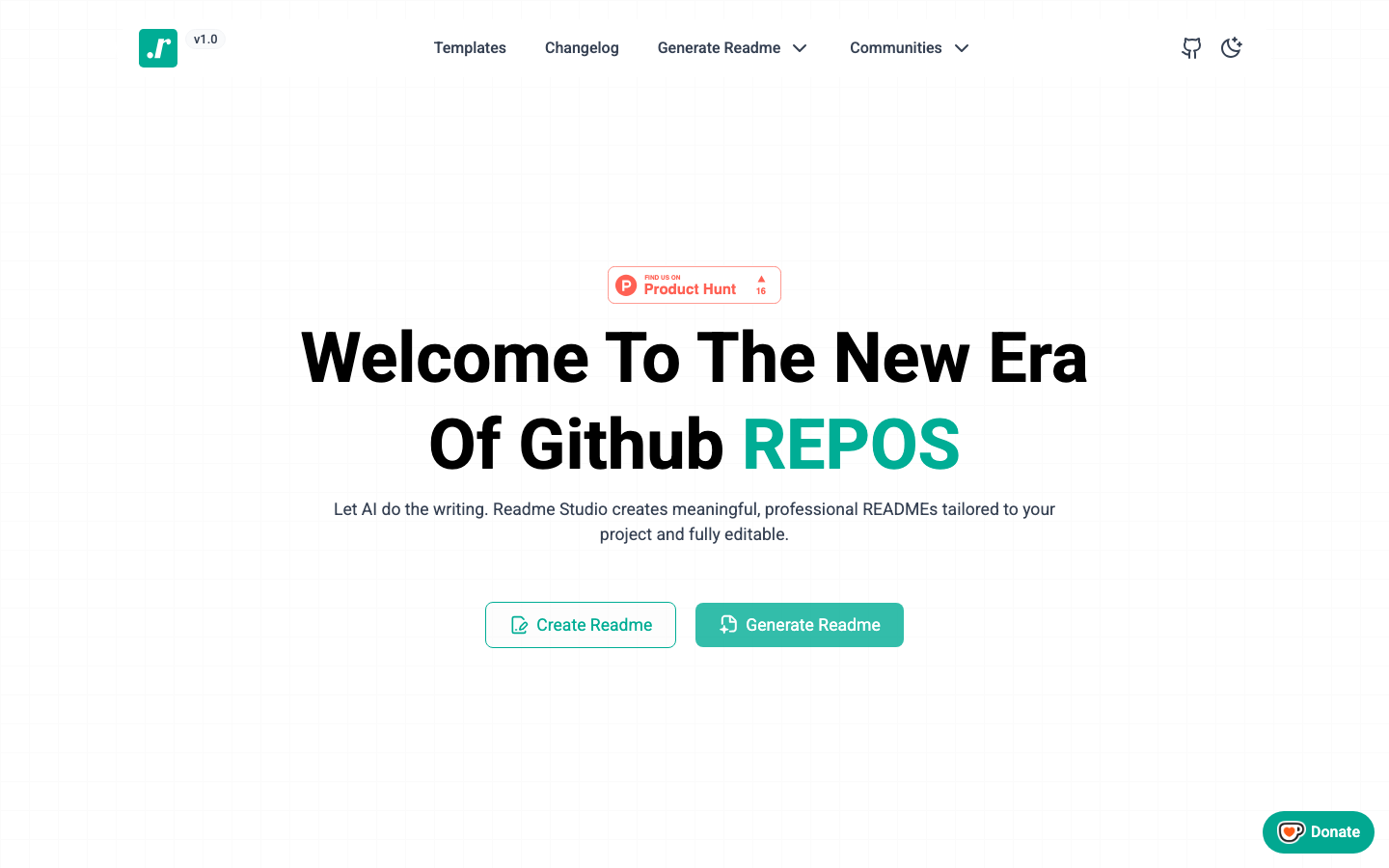
- Readme Studio uses AI to write meaningful, professional README files tailored to your project. Generate a draft, refine it in the built-in markdown editor with a live GitHub-style preview, or start from a pre-built template. It is open source, with more than 100 stars on GitHub.
ZenUI Color Picker
- Challenge
- Native color inputs are inconsistent across browsers and hard to style. Many picker libraries look dated, ignore keyboard users, or cannot match your theme.
- What we built
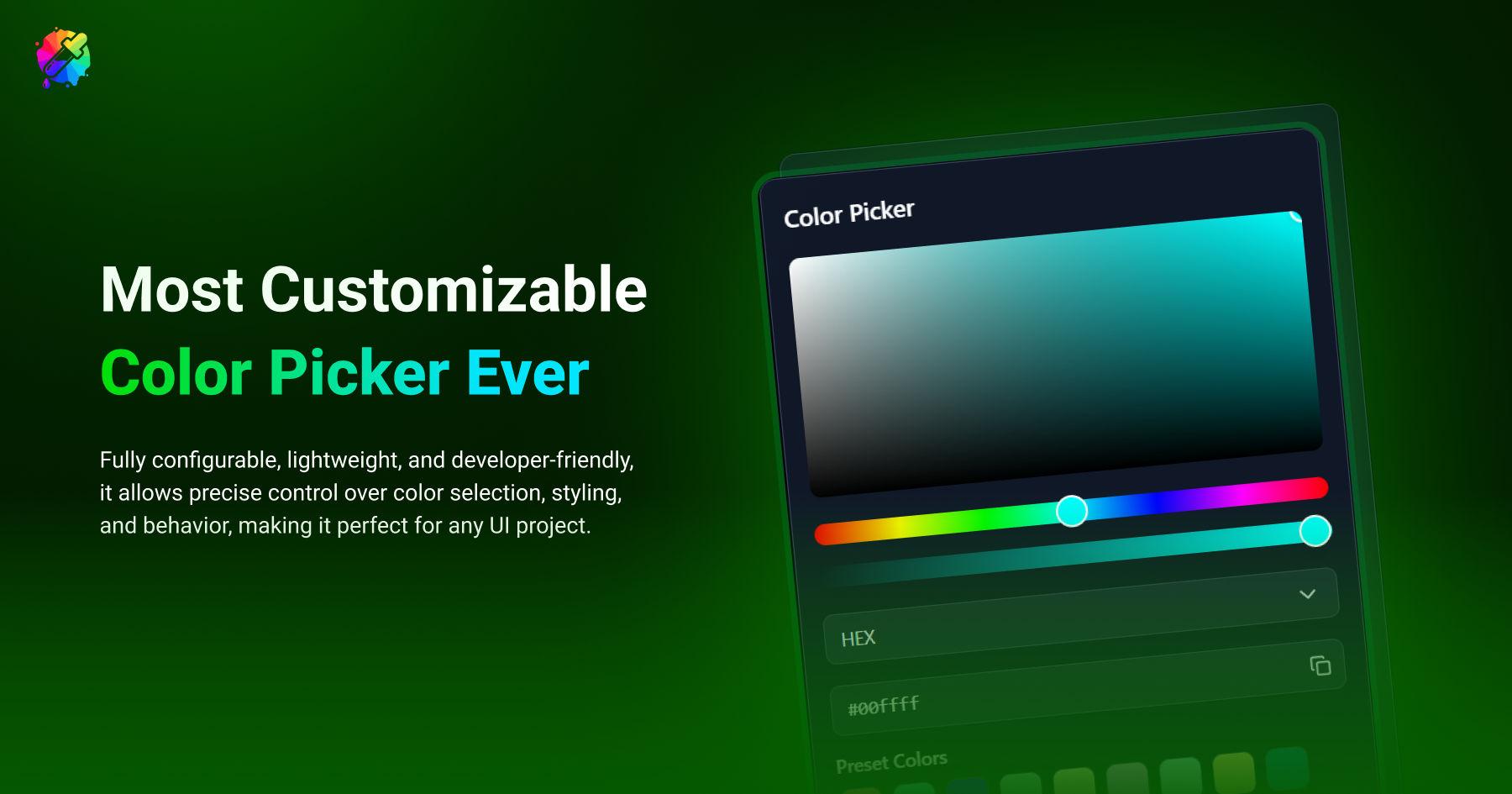
- A developer-friendly color picker component published on npm as @zenuilabs/color-picker-react. It supports hex, rgb, hsl, hsv and cmyk, offers wheel, hue slider and hue box variants, and includes favorites, presets, history and light or dark themes. It is fully typed, keyboard-friendly and tree-shakeable.
#F2A65ASun#E2602FDusk#8E3B6FRidge#3A2F5BNight#16223AImage Color Extractor
- Challenge
- Pulling a usable palette from a photo or brand asset by eye is slow and inconsistent, and a single color is not enough to build an interface.
- What we built
- Part of the ZenUI color palette generator. Upload an image, click any pixel to sample its color, and every color you add becomes a ten-step shade scale (50 to 900) you can copy as HEX, RGB or HSL. Everything runs in the browser; the image never leaves your device.
- Working tool
- Source code
- Usage docs
How the project runs
Discover
A short call and a written brief we both agree on.
Design
Flows and interfaces, reviewed as a clickable prototype.
Build
Typed, tested code with a live preview link from week one.
Launch
Deployment, handover docs and a support window.
Built with our own tools.
We use the open-source tools we make on client work. They are tested in public, and they save you time.
In every project, whatever the size.
- You own everythingCode, designs and documentation are yours at handover.
- Accessible by defaultContrast, keyboard paths, labels and focus states built in.
- Responsive, not squeezedMobile layouts designed as their own compositions.
- Measured performanceSpeed checked before launch, not promised after.
- A live preview linkFollow progress on a working build from week one.
- Written handoverHow it works, how to change it, and what to watch.
Questions
What clients usually ask before a tools development project. Anything else, ask us directly.
Still deciding?
Tell us what you are planning. We reply with honest options, including when a smaller scope is enough.
Ask about your projectInternal dashboards, generators, converters and small utilities around one workflow. Our own tools, like Readme Studio and the Image Color Extractor, are examples of the size and focus we mean.
Yes. Most tools we build read from or write to existing systems through their APIs.
Yes. You get the source code and documentation, and can host it wherever you like.
Yes. We audit what you have first and keep whatever is worth keeping.
You do. Everything is handed over at the end of the project.
One shared channel, a written weekly update and a live preview link you can check any time.
Listed prices are starting points. We confirm a fixed quote after a short discovery call.
Often paired with Tools Development.
All services- Tools & AIAI IntegrationAI features that remove real work.Content generationDocument processingAssistantsTypically 3 to 8 weeks
- DevelopmentWeb ApplicationsDashboards, portals and SaaS products.Authentication and rolesDashboardsAPIs and databasesTypically 6 to 14 weeks
- Tools & AIExtensions & PluginsBrowser extensions and plugins for the tools you already use.Chrome extensionsFigma pluginsCMS pluginsTypically 2 to 5 weeks